













Trusted by ambitious organizations
The film 1:18
We broke the rule everyone accepted.
Before and after DataMind
Before, The modern data stack
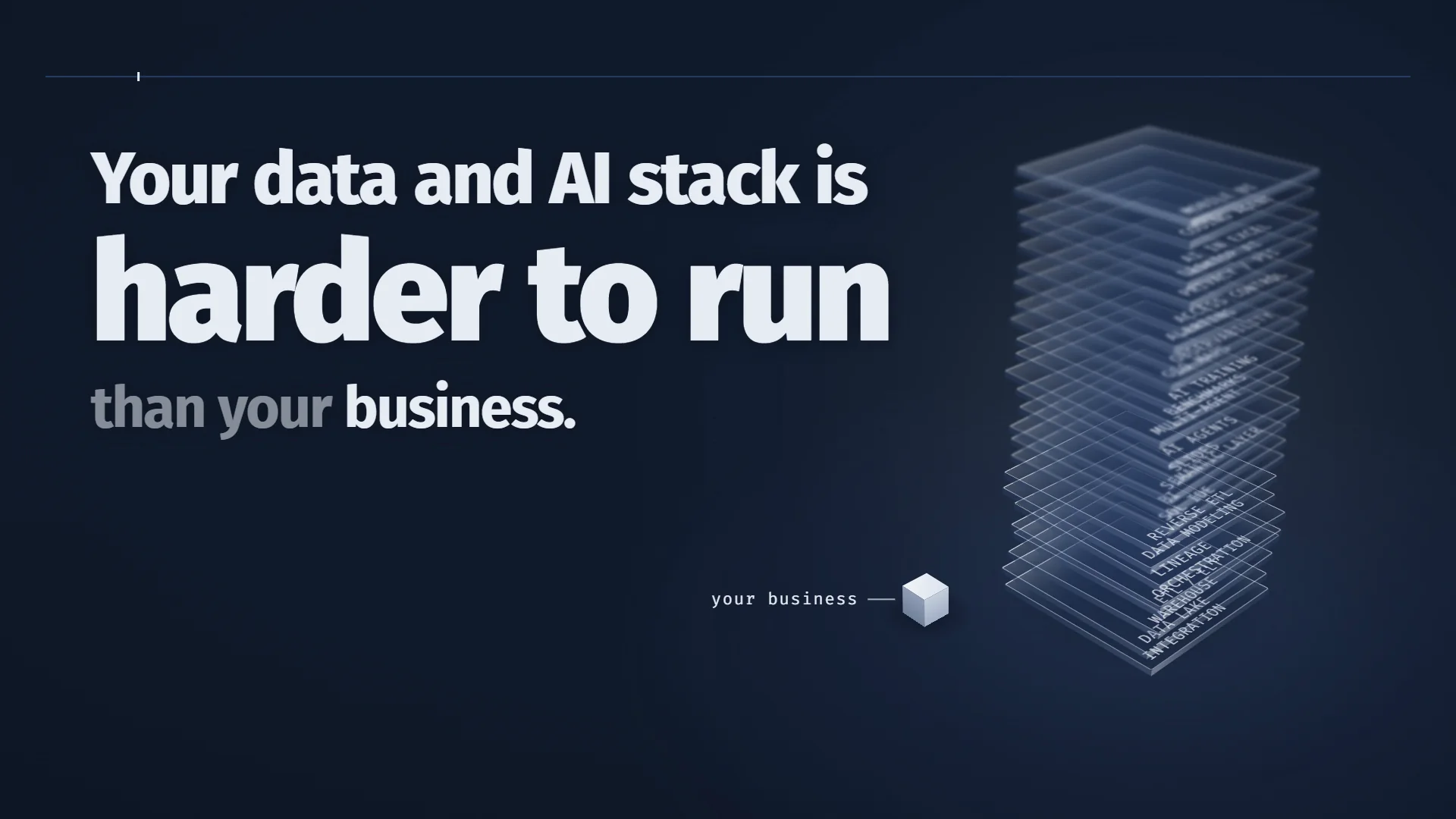
A new tool for every problem.
29 tools to buy, run and connect.
Picture: your six sources wired into 29 separate tools, one for every problem, and the tools wired into each other.
- Managed ELT , sync failed
- Open-source ELT
- API connectors , token expired
- Event streaming
- Glue scripts , owner left
- File transfer
- Data lake , schema drift
- Cloud warehouse
- Transformations
- Change history
- Master data
- Semantic layer , two revenue numbers
- Dashboards , stale data
- Self-service BI
- Report exports
- Reverse ETL
- LLM gateway
- RAG and agents
- SQL assistant , wrong joins
- Desktop agents
- AI slide decks
- Orchestrator , job stuck
- Data quality
- Catalog and lineage
- Access control
- PII masking
- Observability
- Infrastructure
- Tickets and runbooks
Your sources
- Databases, operational and legacy
- ERP and CRM, finance, sales, HR
- Spreadsheets, workbooks, CSV, shared drives
- SaaS and APIs, payments, shops, web
- Event streams, apps, devices, queues
- Documents, PDFs, wikis, contracts
Picture: the same six sources run as six straight lines into one DataMind OS on your servers. SQL, storage and reports run there. Model calls leave through the DataMind AI gateway, with zero data retention.
After, DataMind OS
We took it all, and made it one.
- Ingest
- Lake and warehouse
- Semantic model
- BI
- AI Minds
- PII and security
- Governance
On your servers: SQL, storage and reports run here.
AI gateway, zero data retention
Film 2 3:39
What the OS can do.
The questions buyers ask, answered on the real product.
Winners take it all
Two months, the whole OS, on your servers. Free.
Q and A
Questions, answered.
What buyers ask before they start the trial.
What is DataMind OS?
The Intelligent Data OS: Connect Anything, Lake, Warehouse, ETL/ELT, Workflows, Lineage, SQL Editor, DataPrism BI, Slides, AI Minds and 19 more apps, in one product with one login, installed on your own servers.
What does the free trial include?
The full OS, every app, on your own server, for two months. No card and no feature limits. When the trial ends, you buy a license or the OS stops. Your data stays on your servers either way.
What do we need to install it?
One Linux server with Docker (Ubuntu, Debian, RHEL, Rocky or Alma), physical or virtual, in your data center or your cloud account. Evaluation starts at 2 vCPU, 16 GB RAM and 128 GB SSD. The host needs outbound access to a handful of DataMind domains for installation, updates, maps and AI. A browser-based Installer does the rest in about 20 minutes.
Where does our data live?
In ClickHouse on your servers. Every query, report and semantic model runs there. When a Mind answers, the model call goes through DataMind's AI gateway, which routes only to zero-data-retention model endpoints, and columns marked as personal data reach the model as tokens.
What is Kartlos?
Kartlos Premium and Kartlos Standard are DataMind's built-in model tiers, backed by frontier models that DataMind curates and keeps current. Premium is for complex analysis and building, Standard for fast everyday work. 85M Premium and 850M Standard tokens a month are included in your license, about 1B and 10B a year. Each web search uses 1,500 and each web page read 2,000 Premium tokens. More models from the catalog can be enabled and are billed per token.
Is there a per-user price?
No. One company license covers the whole OS, every app and an unlimited number of users who build reports, configure Minds, work with Oda, read, ask and get subscriptions and alerts. The plan includes one Privileged seat for integrations, the data warehouse and access permissions. Your server or cloud VM is billed by your own provider. See the plan.
Can we run it in the cloud?
Yes, on a virtual machine in your own AWS, Azure, Google Cloud or any other account. It always runs on infrastructure you control.
How do updates work?
New features ship every month. Admins check for and apply updates from the browser, in Admin > Platform or in the Installer, for the whole stack or for selected services.
How do people sign in?
With your company identity provider over OpenID Connect (Microsoft Entra ID, Google Workspace or any OIDC provider), plus authenticator-app two-factor authentication that admins can require for everyone or for chosen users. Access rules for objects, columns and rows are enforced in the database, so they hold in the SQL editor, BI, Minds and external tools.
Who do we talk to?
Join the Winners club above, or fill out the form it opens, and our team will get back to you. Documentation lives at datamind.guide.
Ask DataMind
Tell us who you are. We will show you how you win.
Private by default. DataMind stores nothing unless you allow it.